Symptoms
DST40 (P1: 94) or DST80 (P1: 98) Type G
require immo synchronise with scan tool→only works for brand new virgin or unlocked/reset ID Box and ESL
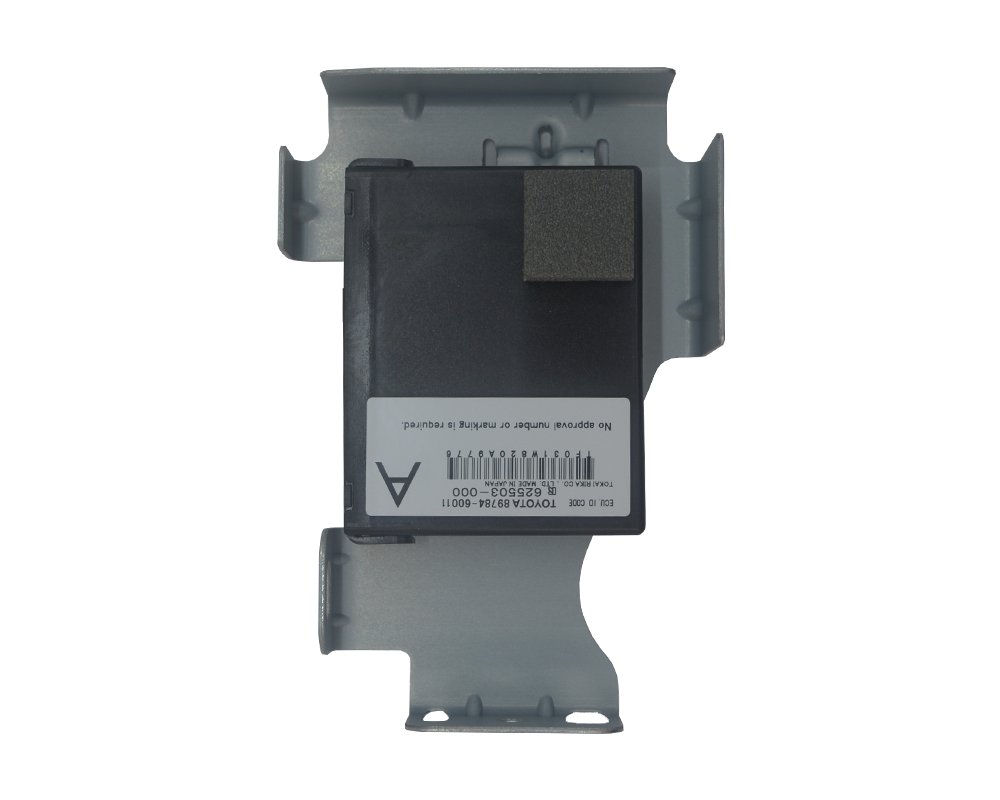
for ease programming replace id box and Esl together
Emulator Toyota 40-80bit available → requires Eeprom programming
For syncing the ID Code Box, Steering Lock and the Certification ECU
Inside Entry & Start (or Smart Key) > Utility / Special Functions→ECU Communication ID Registration →follow prompt
ECU Sync Method: Manual OBD2 Handshake
1. Ensure the Smart Key turns the ignition ON (dash lights on, engine not running).
2. Bridge Pin 4 (CG) and Pin 13 (TC) on the OBD2 diagnostic port using a jumper wire or paperclip. Keep doors as is
3. Leave the ignition ON with the pins bridged for 30 to 45 minutes (dash warning lights will flash during this time).
4. Turn the ignition OFF, remove the jumper wire, and start the engine
programming immobiliser and sync function depends on each situation example
all key lost
replaced used module or modules
certification ecu came with its own key or not
—-live data read S, L, R, G code in start entry module to find which modules needs work.
offered services:
1. unlock/reset used ESL and id code Box and Keys
2. Immo system Synchronise
3. Adapt used modules Certification Ecu, Engine Ecu
4. Add / delete keys and remote
5. All Key Lost – make new key from Smart Ecu
6. Synchronise Id code, smart ecu, ESL and Engine Ecu on bench
7. ESL Emulator Programming
• Certification ECU (Smart Key): 89990-60093 (01/2012–01/2013 post-facelift, supersedes 89990-60092); 89990-60173 (07/2009–01/2012 pre-facelift, VX/Sahara).
• Immobiliser ID Code Box: 89784-60080 (2009–08/2015 primary RHD); 89784-60090 (2012–2015 alternate trim/alarm).
• ESL (Steering Lock): 45020-30A60 (2007–08/2015 standard); 45020-50130 (supersession).
• Engine ECU (1VD-FTV): 89661-60S00 (01/2012–12/2012 ARL auto); 89661-60S01 (supersession / 2013–2015); 89661-60P10 (07/2009–01/2012 pre-facelift ARL auto); 89661-60P30 / 89661-60P60 (export/manual builds).